PKR365 Register — Create your account
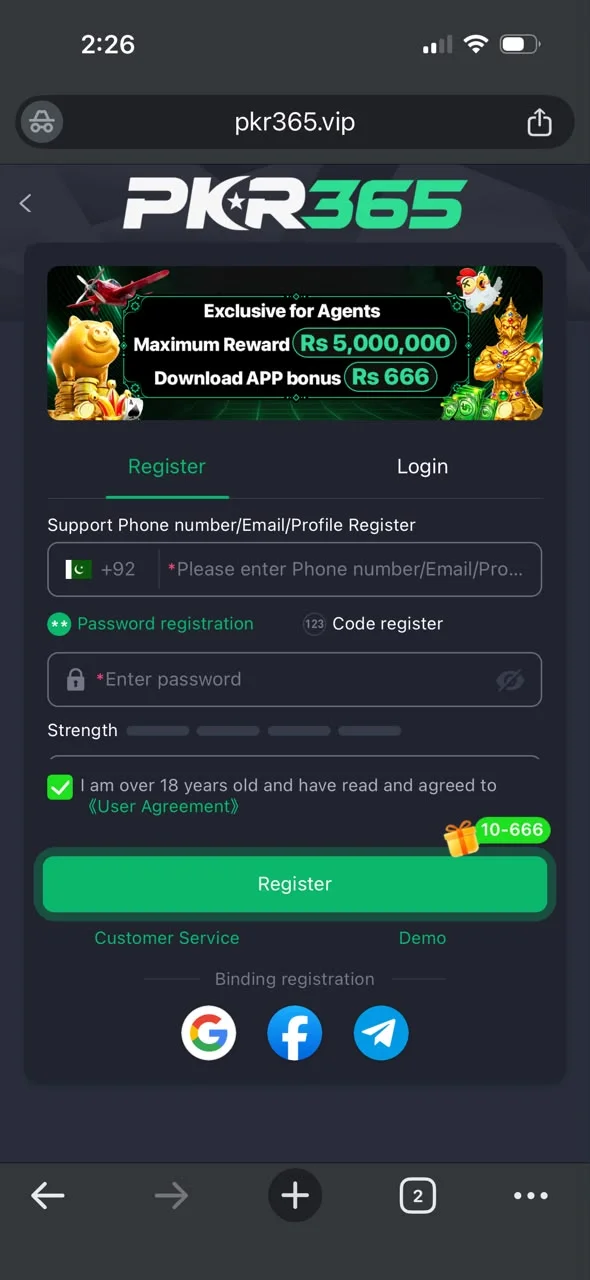
Sign up with your Pakistan (+92) phone number, set a strong password, and accept that you are 18+. Need the app first? Download the APK, then come back here.
How to register
Open the installed PKR365 app (or the official site after download), then follow these steps.
- 1Open the app and tap Register or Sign Up.
- 2Enter your Pakistan mobile number (+92), or email if asked.
- 3Make a strong password that you do not use on other apps.
- 4If you see Code or OTP register, follow that option.
- 5Add an invite code only if you really have one.
- 6Tick the box that says you are 18+ and agree to the rules.
- 7Finish the SMS or on-screen check.
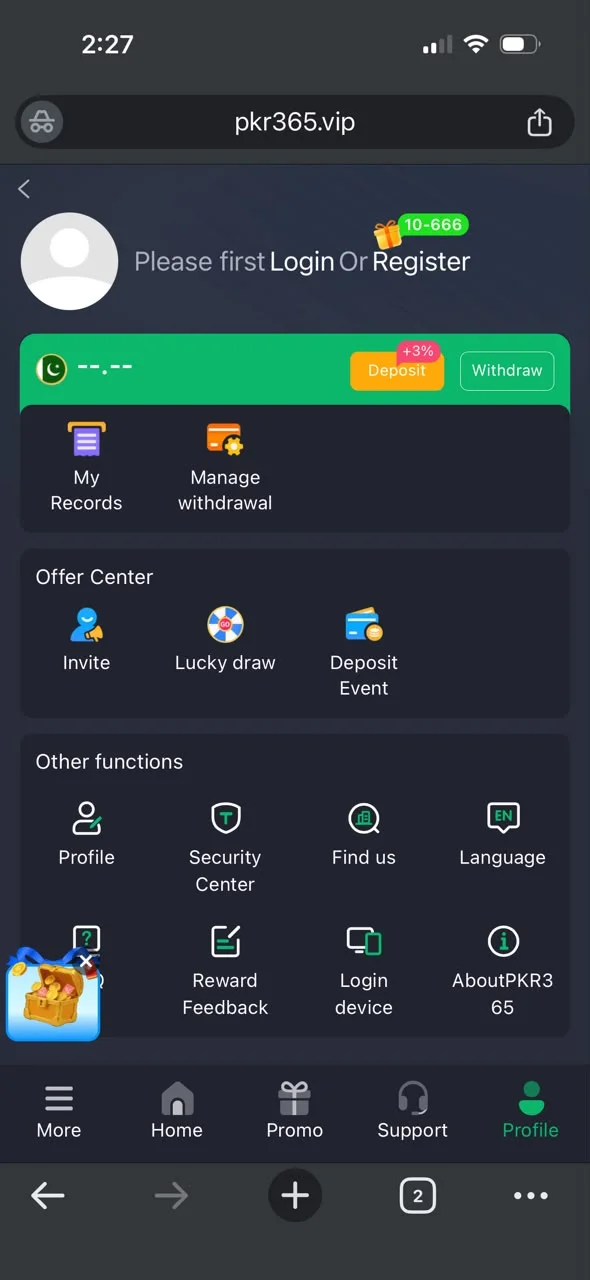
- 8Log in and open Profile before you deposit money.
After you sign up
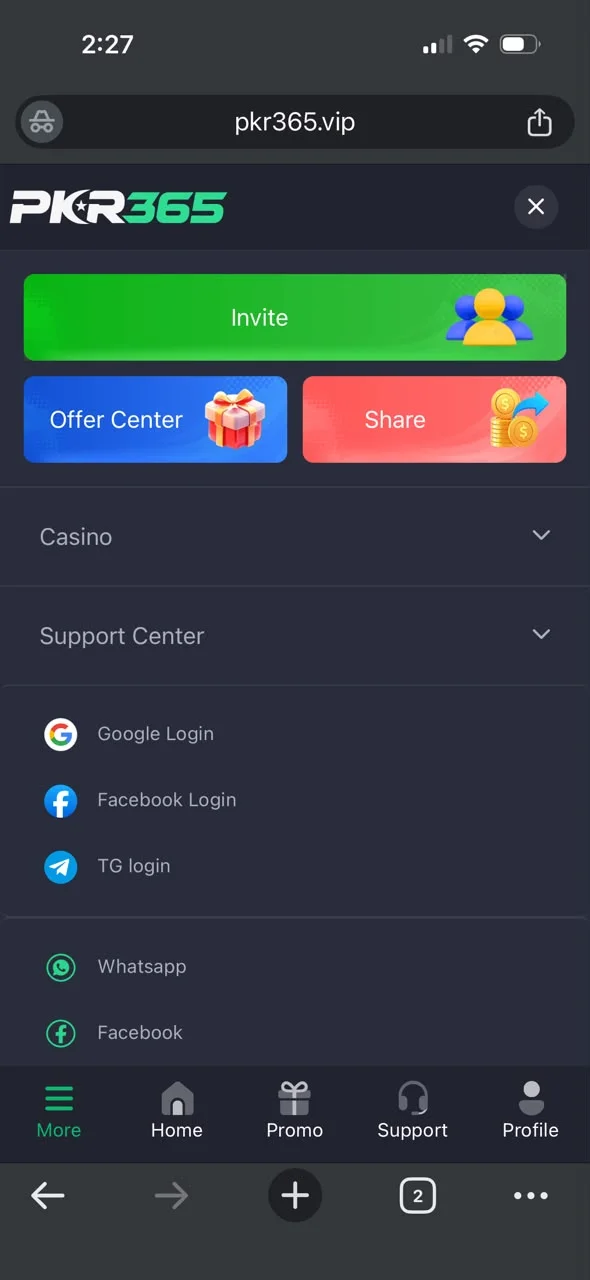
- Open Promo and claim only offers you understand.
- Turn on extra security if Security Center shows it.
- Add your JazzCash or Easypaisa number for withdrawals.
- Read bonus rules so you know when you can withdraw.
Keep your account safe
- Use a strong password only for this app.
- Never share your password or SMS code.
- Do not open login links from unknown chats.
- Turn on extra security if the app offers it.
- Do not save your password on a shared phone.
- Check My Records if something looks wrong.
- Contact Support only inside the real app.
Register screenshots
Real screens from the PKR365 app to help you follow the steps.