PKR365 Login — Sign in to your account
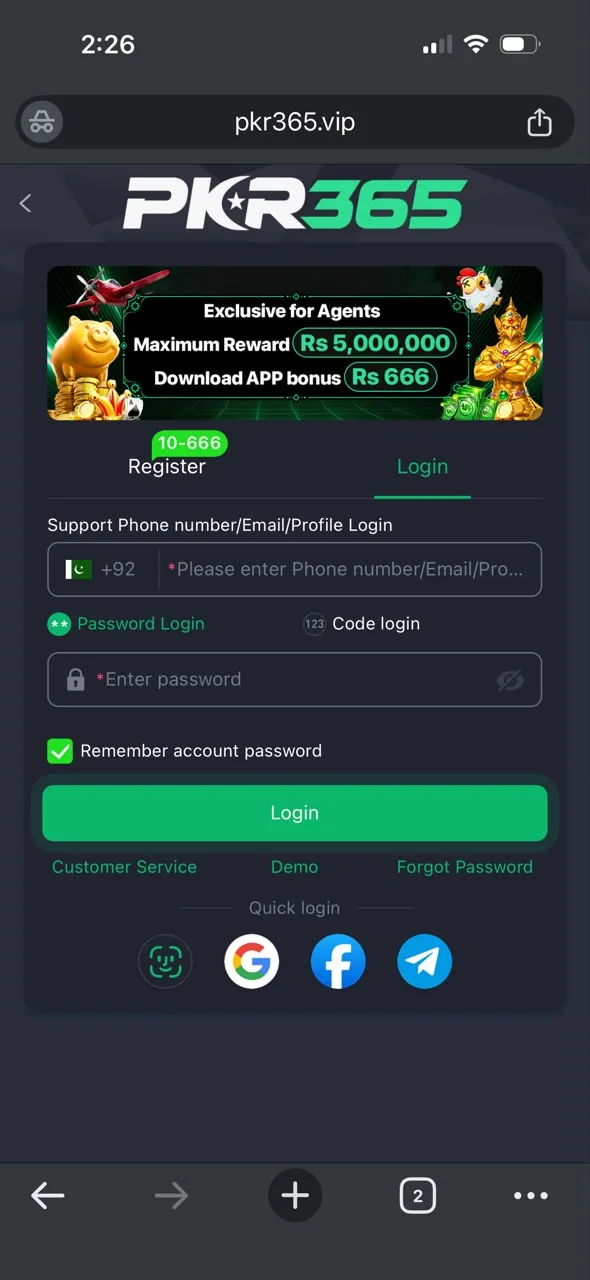
Open the real PKR365 app, tap Login, and enter your Pakistan number and password. You can also use code login. No account yet? Register first.
How to log in
- 1Open the real PKR365 app or website.
- 2Tap Login.
- 3Enter your phone number or account ID.
- 4Enter your password, or tap Code login and use the SMS code.
- 5Complete any extra check if the app asks.
- 6On your own phone only, you can tick Remember account.
- 7When you are in, check that your balance and games load.
Forgot password?
Use only the Forgot Password option inside the real app. Do not share your SMS code with anyone.
- 1On the login screen, tap Forgot Password.
- 2Enter the same phone number you used to register.
- 3Get the SMS code and enter it quickly.
- 4Set a new strong password.
- 5Log in again.
- 6Never share your password or SMS code with anyone.
Login tips
- Use a strong password only for this app.
- Never share your password or SMS code.
- Do not open login links from unknown chats.
- Turn on extra security if the app offers it.
- Do not save your password on a shared phone.
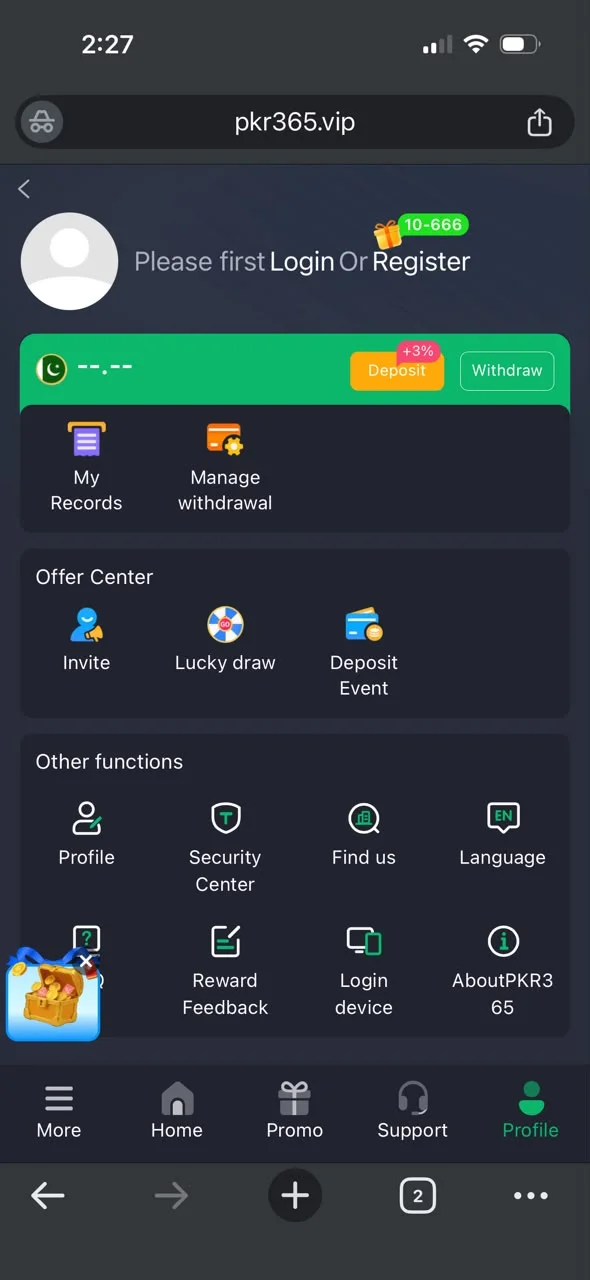
- Check My Records if something looks wrong.
- Contact Support only inside the real app.
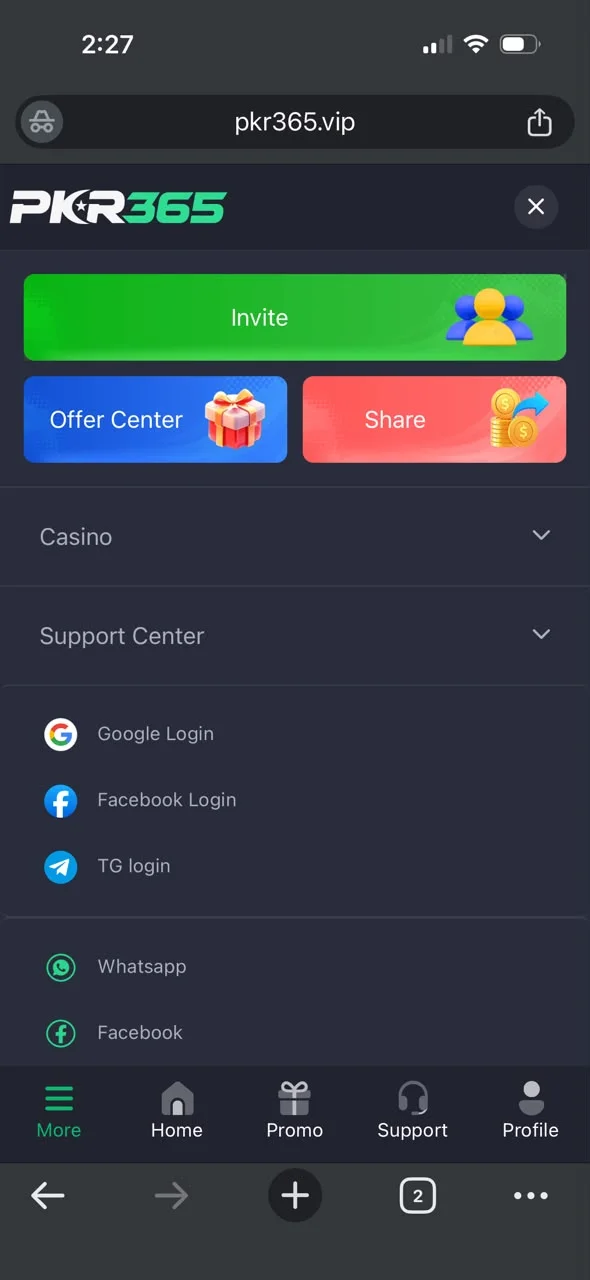
Login screenshots
Real screens from the PKR365 app to help you follow the steps.